
Schnell. Smart.Zuverlässig.
Wir bieten professionelle IT-Dienstleistungen für Privatkunden und Unternehmen.

Was wir am besten können

Dein Design. Dein Shirt.
Personalisiere deine eigenen Produkte mit eigenem Logo, Text oder Bildern. Sehe die Änderungen live im 3D-Preview und entscheide, was dir gefällt – für dich selbst, dein Team oder dein Geschäft.
- ✓Live-Vorschau mit 3D-Ansicht
- ✓Unlimitierte Designvariationen
- ✓Schnelle Lieferung möglich
So arbeiten wir
Vier klare Schritte – vom ersten Anruf bis zum funktionierenden Gerät.
Diagnose
Wir prüfen Ihr Gerät und nennen Ihnen einen verbindlichen Festpreis.
Angebot
Sie entscheiden – ohne Druck, mit klarer Kosten- und Zeitangabe.
Reparatur
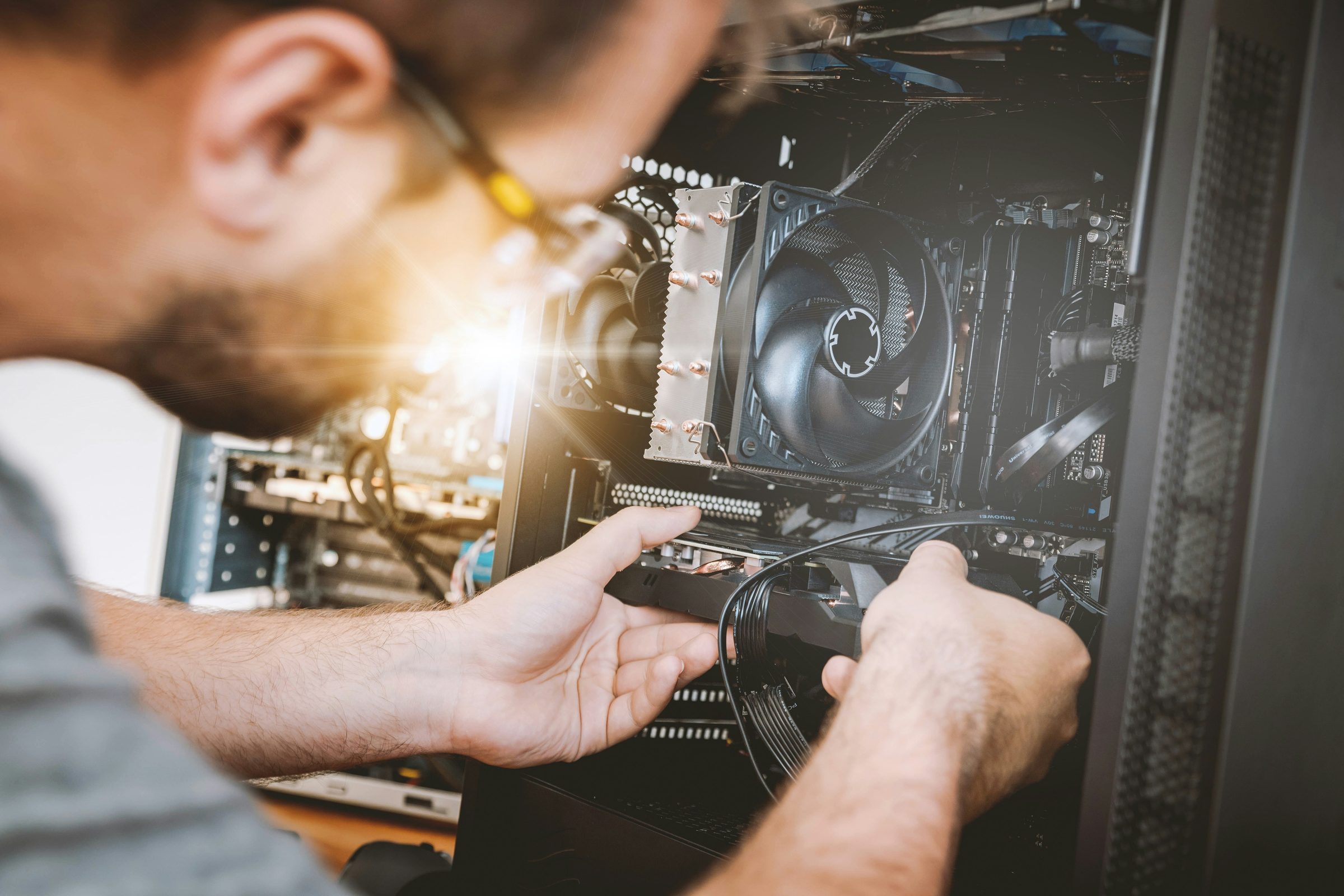
Unsere Techniker arbeiten in unserer eigenen Werkstatt.
Abholung
Sie bekommen Bescheid – persönliche Abholung oder Versand.
Was uns besonders macht
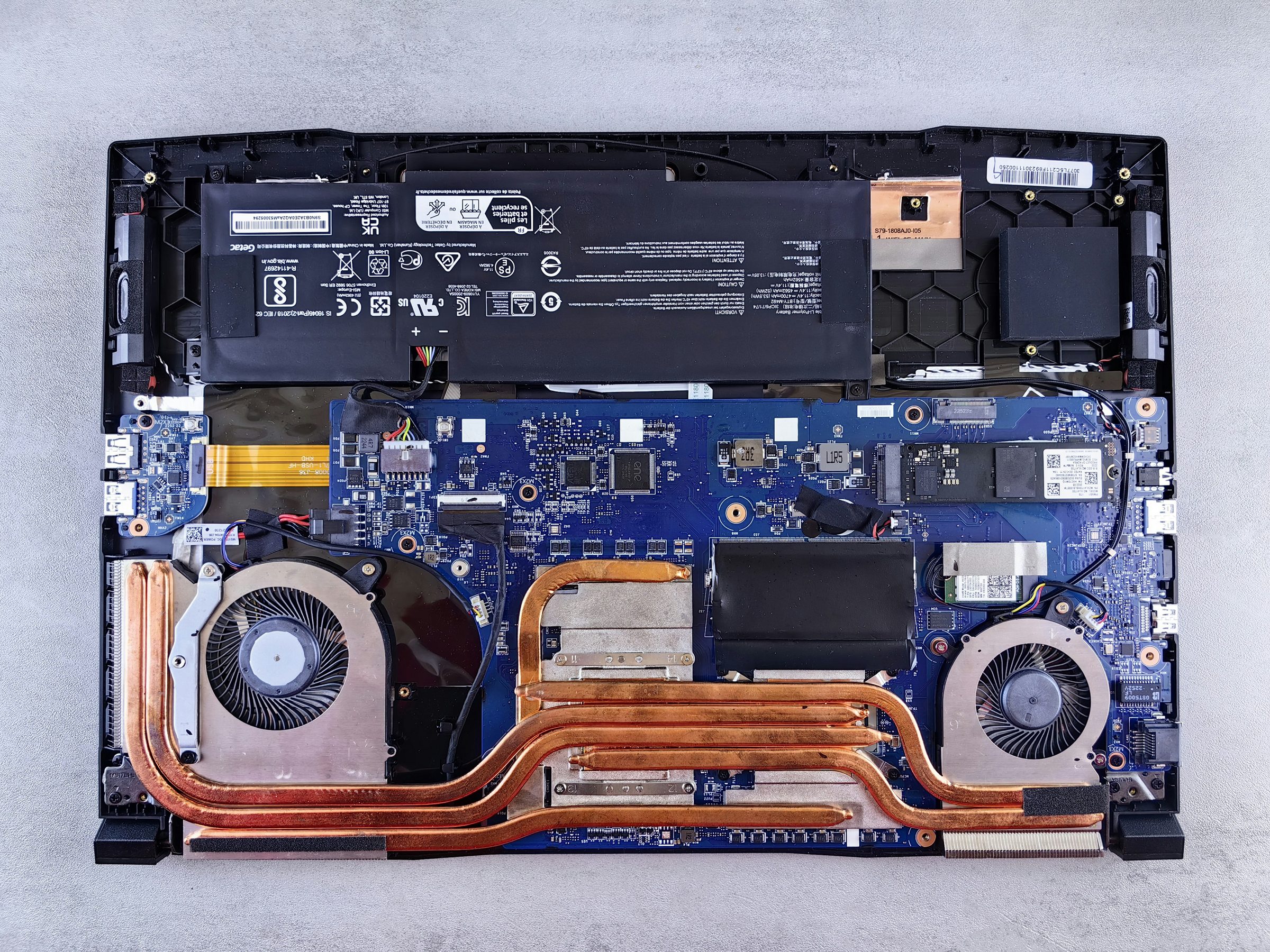
Hardware & Reparatur
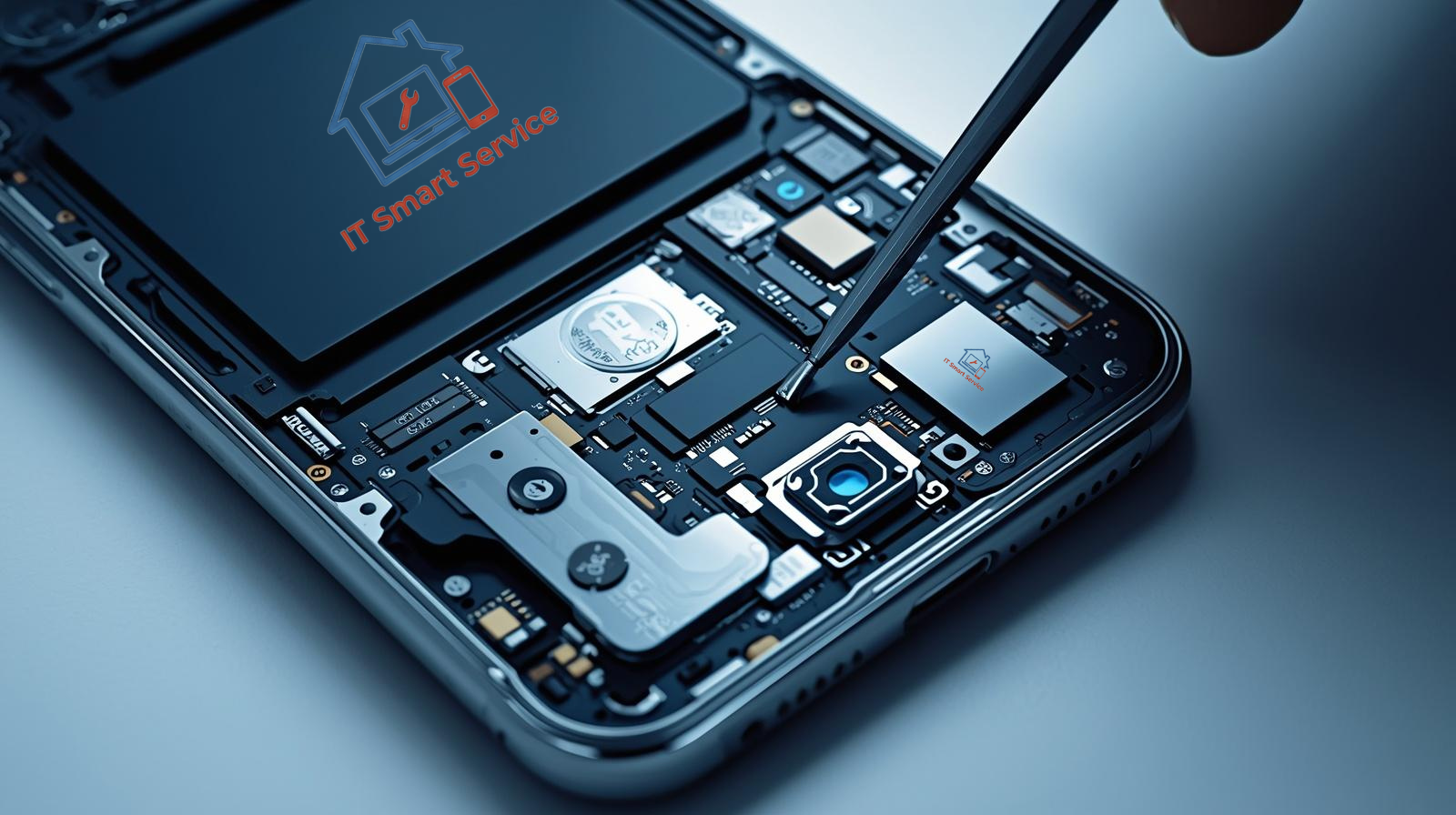
Vom Akkutausch bis zum Logicboard-Reflow. Wir reparieren, wo andere tauschen.
- Komponenten-Tausch
- Display & Akku
- Wasserschaden-Rescue
- Original-Ersatzteile
Netzwerk & Sicherheit
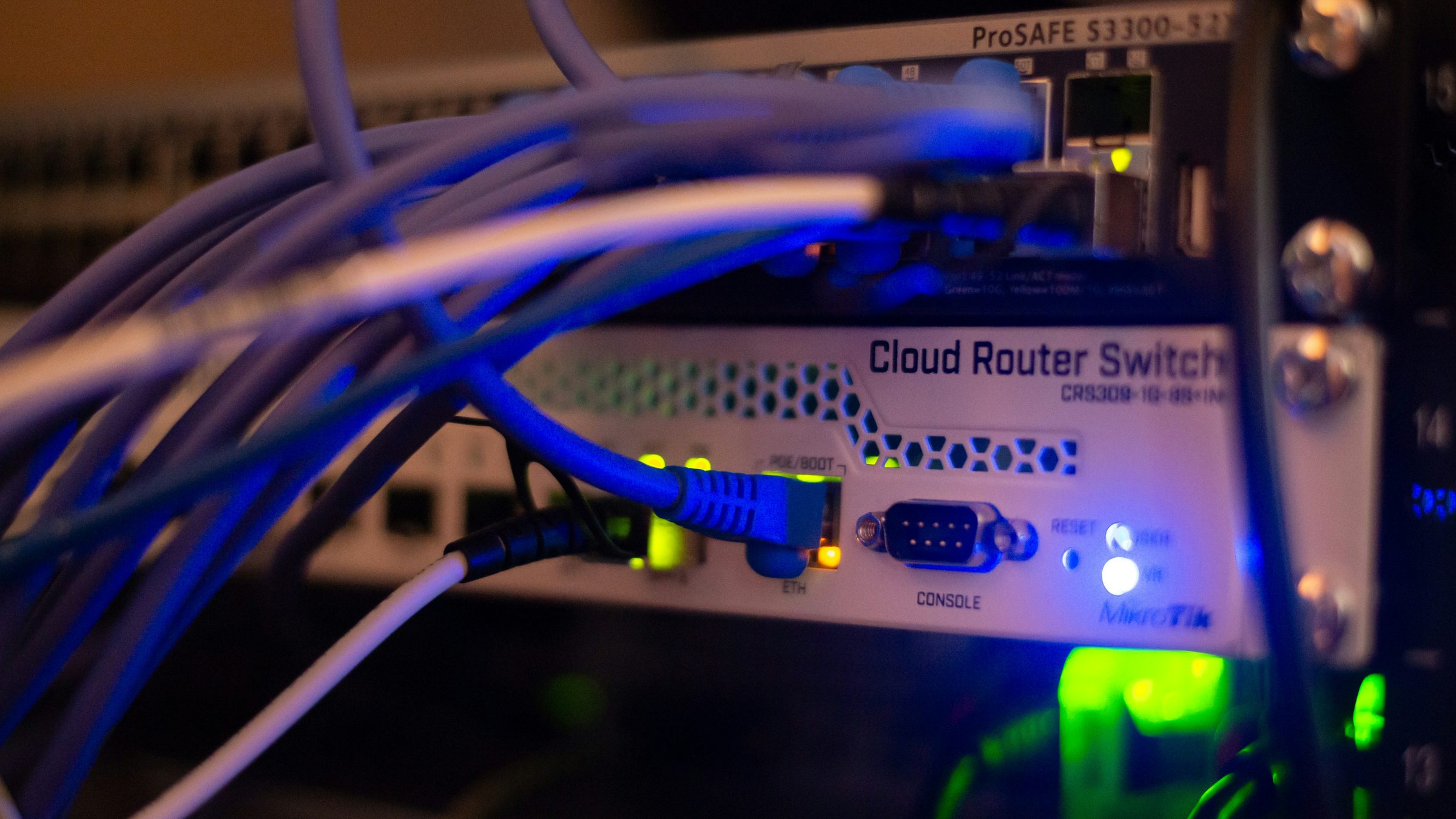
Stabile Infrastruktur, segmentierte Netze, gehärtete Endpoints. DSGVO-konform.
- Firewall-Setup
- VLAN-Segmentierung
- WLAN-Planung
- Penetrationstests

Cloud & Microsoft 365
Wir migrieren, verwalten und schulen – damit Ihr Team produktiv bleibt.
- M365-Migration
- Intune & MDM
- Backup-Strategie
- Schulungen vor Ort
Warum IT Smart Service
Lokal & vor Ort
Vor-Ort-Service ohne Versandwege.
Festpreise
Transparente Kostenstruktur, keine Überraschungen.
Datenschutz first
DSGVO-konforme Prozesse, deutsche Server.
Geschäftsbereit
SLAs, Wartungsverträge, Notfall-Support.
Echte Arbeit, echte Resultate.
Vom Server-Setup bis zur Smartphone-Reparatur — jeden Tag im Einsatz.



Marken, mit denen wir täglich arbeiten
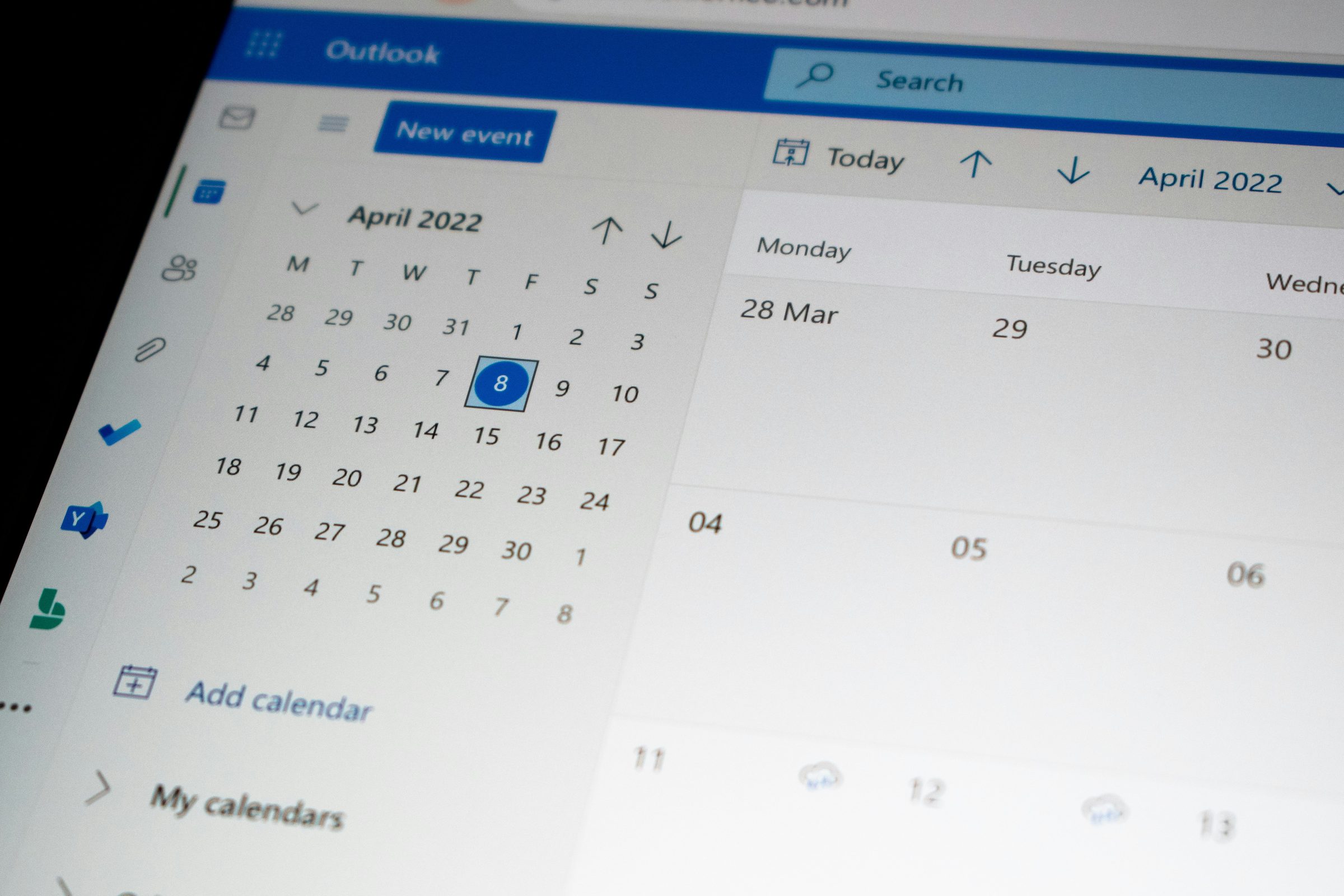
Unsere Techniker sind in den gängigsten Plattformen, Geräten und Tools zuhause.
Echte Kundenbewertungen — bald hier
Wir bauen gerade unser Google Business Profile auf. Sobald echte Bewertungen vorliegen, zeigen wir sie hier — ehrlich und ungeschönt.
Auf Google Maps findenHäufig gestellte Fragen
Bereit, loszulegen?
Buchen Sie einen Termin oder kontaktieren Sie uns direkt per WhatsApp.